Showing posts with label Social Media. Show all posts

Wednesday, July 26, 2023

How to Use TikTok Ads to Boost Your Business in 2023


How to Use TikTok Ads to Boost Your Business in 2023

TikTok is one of the most popular social media platforms in the world, with over 1 billion monthly active users. It’s also a powerful marketing tool for businesses of all sizes and niches, as it allows you to reach a large and engaged audience with short, catchy and creative videos.

But how do you use TikTok ads effectively to grow your brand awareness, generate leads and increase sales? In this blog post, I’ll share some tips and best practices on how to create and optimize TikTok ads for your business in 2023.

What are TikTok Ads?

TikTok ads are paid video ads that appear on the TikTok app, either in the user’s feed, on the explore page, or as branded effects or hashtags. They can be up to 60 seconds long, but the recommended length is 9 to 15 seconds.

TikTok ads are different from other social media ads because they are designed to blend in with the organic content on the platform, rather than stand out as advertisements. This means that your ads should be entertaining, engaging and authentic, rather than overly promotional or salesy.

TikTok ads also offer a variety of formats and features to suit your campaign goals and budget. You can choose from:

  • In-feed ads: These are the most common type of TikTok ads, which appear as native videos in the user’s feed. They can include a call-to-action button that directs users to your website, app or landing page.
  • TopView ads: These are premium in-feed ads that appear as the first video when the user opens the app. They can capture the user’s attention with full-screen visuals and sound.
  • Brand takeover ads: These are full-screen static or video ads that appear when the user opens the app or switches between categories. They can also include a call-to-action button that directs users to your website, app or landing page.
  • Branded hashtag challenge ads: These are interactive ads that invite users to participate in a hashtag challenge created by your brand. They can increase your brand awareness, engagement and user-generated content.
  • Branded effects ads: These are custom filters, stickers and effects that users can apply to their own videos. They can enhance your brand image and visibility on the platform.

How to Create TikTok Ads

To create TikTok ads, you need to sign up for a TikTok Ads Manager account at https://ads.tiktok.com/. Once you have an account, you can follow these steps to create your first campaign:

  1. Choose your campaign objective: You can choose from awareness, consideration or conversion objectives, depending on what you want to achieve with your ads.
  2. Set your campaign budget: You can set a daily or lifetime budget for your campaign, as well as a start and end date.
  3. Create your ad group: You can create one or more ad groups within your campaign, each with its own targeting, placement and bidding options.
  4. Define your target audience: You can use various criteria to define your target audience, such as location, age, gender, interests, behaviors and device type.
  5. Select your ad placement: You can choose where you want your ads to appear on the TikTok app, such as in-feed, TopView or brand takeover. You can also opt for automatic placement, which lets TikTok decide where to show your ads based on performance.
  6. Set your bid and optimization goal: You can set how much you are willing to pay for each impression, click or conversion of your ads, as well as choose an optimization goal that aligns with your campaign objective.
  7. Create your ad creative: You can upload your own video or use TikTok’s video creation tools to create your ad creative. You can also add text, music, stickers and filters to enhance your ad.
  8. Add a call-to-action: You can add a call-to-action button that directs users to your website, app or landing page. You can also add a tracking link to measure the performance of your ads.

How to Optimize TikTok Ads

To optimize your TikTok ads for better results, you should follow these best practices:

  • Test different ad formats and creatives: You should experiment with different ad formats and creatives to see what works best for your audience and campaign goal. You can use TikTok’s split testing feature to compare different versions of your ads and optimize accordingly.
  • Use catchy headlines and captions: You should use catchy headlines and captions that capture the user’s attention and curiosity. You should also use relevant keywords and hashtags that relate to your brand and topic.
  • Use high-quality videos: You should use high-quality videos that are clear, bright and colorful. You should also use vertical videos that fit the full screen of the user’s device.
  • Use engaging and authentic content: You should use engaging and authentic content that resonates with your audience and reflects your brand personality. You should also use humor, emotion and storytelling to connect with your audience and encourage them to take action.
  • Use TikTok’s analytics tools: You should use TikTok’s analytics tools to track and measure the performance of your ads. You can access various metrics and insights, such as impressions, clicks, conversions, cost, reach, frequency and engagement. You can also use TikTok’s pixel and third-party tracking tools to track the actions of users after they click on your ads.

Conclusion

TikTok ads are a great way to reach a large and engaged audience with short, catchy and creative videos. They can help you boost your brand awareness, generate leads and increase sales.

To create and optimize TikTok ads for your business in 2023, you should follow these steps:

  • Choose your campaign objective and budget
  • Create your ad group and target audience
  • Select your ad placement and bid
  • Create your ad creative and call-to-action
  • Test different ad formats and creatives
  • Use catchy headlines and captions
  • Use high-quality videos
  • Use engaging and authentic content
  • Use TikTok’s analytics tools

I hope you found this blog post helpful. Thank you for reading! 😊

Source: Conversation with Bing
#TikTok #bingai

Tuesday, July 25, 2023

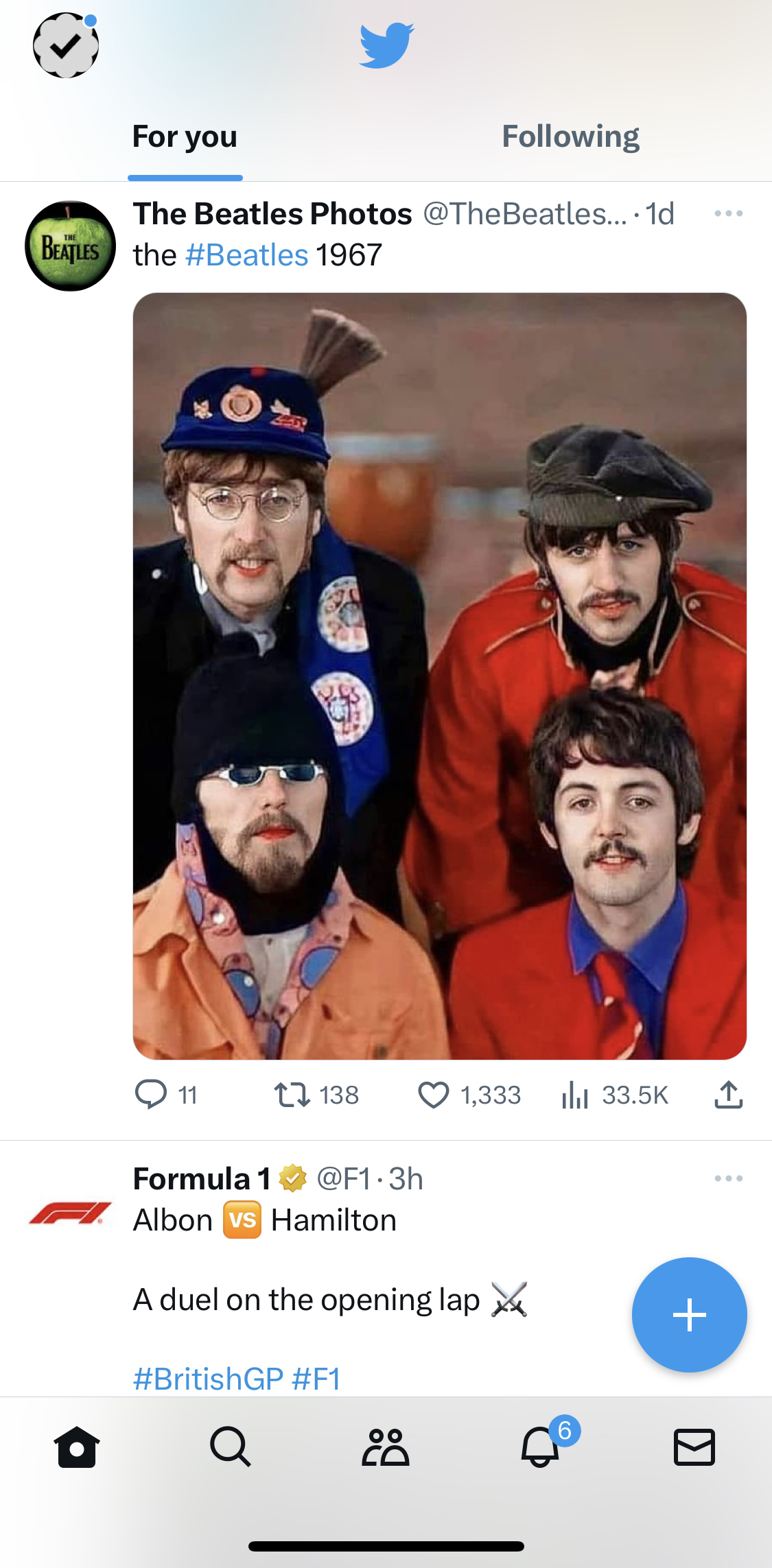
Ex-Twitter or Should I Say X-Twitter

Twitter Changes Its Logo to X: What Does It Mean?

Introduction:

Twitter, the popular social media platform, has undergone a major rebranding. The company has changed its logo from the iconic blue bird to a simple white X. This change has been met with mixed reactions, with some users praising the new logo and others criticizing it.

What does the new logo mean?

The new X logo is said to represent the company's focus on "new beginnings." Elon Musk, the new owner of Twitter, has said that he wants to make the platform a more open and free platform for speech. The X logo is seen as a way to represent this new direction for the company.

What do users think of the new logo?

The reaction to the new logo has been mixed. Some users have praised the new logo, saying that it is simple and modern. Others have criticized the logo, saying that it is boring and lacks personality.

What does the future hold for Twitter?

It is still too early to say what the future holds for Twitter. However, the new logo is a clear sign that the company is undergoing a major transformation. It will be interesting to see how the company's new direction affects its users and its overall popularity.

Conclusion

The change to the Twitter logo is a significant one. It represents the company's new direction under Elon Musk and its focus on "new beginnings." (Although you see many projects in the world that simply have their names changed when new management comes in, even if it doesn't change the project in any way, just so they can put their stamp on it, and thus take some credit.) It will be interesting to see how the new logo is received by users and how it affects the company's overall popularity.

Here are some additional thoughts on the new Twitter logo:

  • The X logo is a departure from the company's previous logo, which was a blue bird. The bird logo was iconic and instantly recognizable, but it was also starting to feel dated. The new X logo is a more modern and minimalist design.
  • The X logo is also more versatile than the bird logo. The bird logo was only really effective in a blue color, but the X logo can be used in a variety of colors and contexts. This makes it more adaptable to the company's changing needs.
  • The X logo is also more open and inclusive than the bird logo. The bird logo was often seen as representing the company's white, male userbase. The X logo is a more gender-neutral and inclusive symbol (or so says Bard. Note the companies use of only one X. Where else do we see only one X, the male chromosome).

Overall, the new Twitter logo is a significant change, but it is one that is likely to be successful. The X logo is a more modern, versatile, and inclusive symbol than the bird logo. It is a good fit for the company's new direction under Elon Musk.

Source: Conversation with Bard
#bard #twitter #x

Wednesday, July 12, 2023

Twitter's New Community Notes: A Tool for Fighting Misinformation

Twitter's New Community Notes: A Tool for Fighting Misinformation

Twitter has recently launched a new feature called Community Notes, which allows users to add "helpful" context to tweets that might be misleading. This could be a significant step forward for the platform, as it gives users more control over the information they see and could help to combat the spread of misinformation.

Community Notes are created by contributors, who are regular Twitter users who have signed up to write and rate notes. To create a note, a contributor simply clicks on the "Add Note" button below a tweet and enters their text. The note is then reviewed by other contributors, who can rate it as helpful or unhelpful. If enough contributors rate the note as helpful, it will be publicly displayed on the tweet.

The Community Notes system is designed to be transparent and inclusive. All notes are published daily, and the ranking algorithm is open to inspection by anyone. This means that users can see how notes are being rated and why, which helps to ensure that the system is fair and unbiased.

Community Notes are a powerful tool for fighting misinformation. By allowing users to add context to tweets, they can help to correct errors and provide additional information that can help people make informed decisions. This is especially important in today's world, where misinformation is so widespread.

Twitter is still in the early stages of rolling out Community Notes. This is a tool that has the power to make Twitter a more informed and accurate platform, but time will tell.

Here are some of the potential benefits of Twitter's new Community Notes feature:

  • It could help to combat the spread of misinformation. By allowing users to add context to tweets, Community Notes could help to correct errors and provide additional information that can help people make informed decisions.
  • It could make Twitter a more informed and accurate platform. By giving users more control over the information they see, Community Notes can help to make Twitter a more reliable source of news and information.
  • It could promote open and honest dialogue. By allowing users to share their perspectives and insights, Community Notes could help to promote more open and honest dialogue on Twitter.

If you're interested in using Community Notes, you can sign up to become a contributor here: https://communitynotes.twitter.com/guide/en

I believe it is too early to tell if Twitter's new Community Notes feature will be a valuable tool for fighting misinformation and making Twitter a more informed and accurate platform, as it would seem that groups could coordinate the notes and votes, thus making misinformation look legitimate. Time will tell. I encourage you to sign up and try it out.

Source: Conversation with Bard
#bard #twitter #CommunityNotes

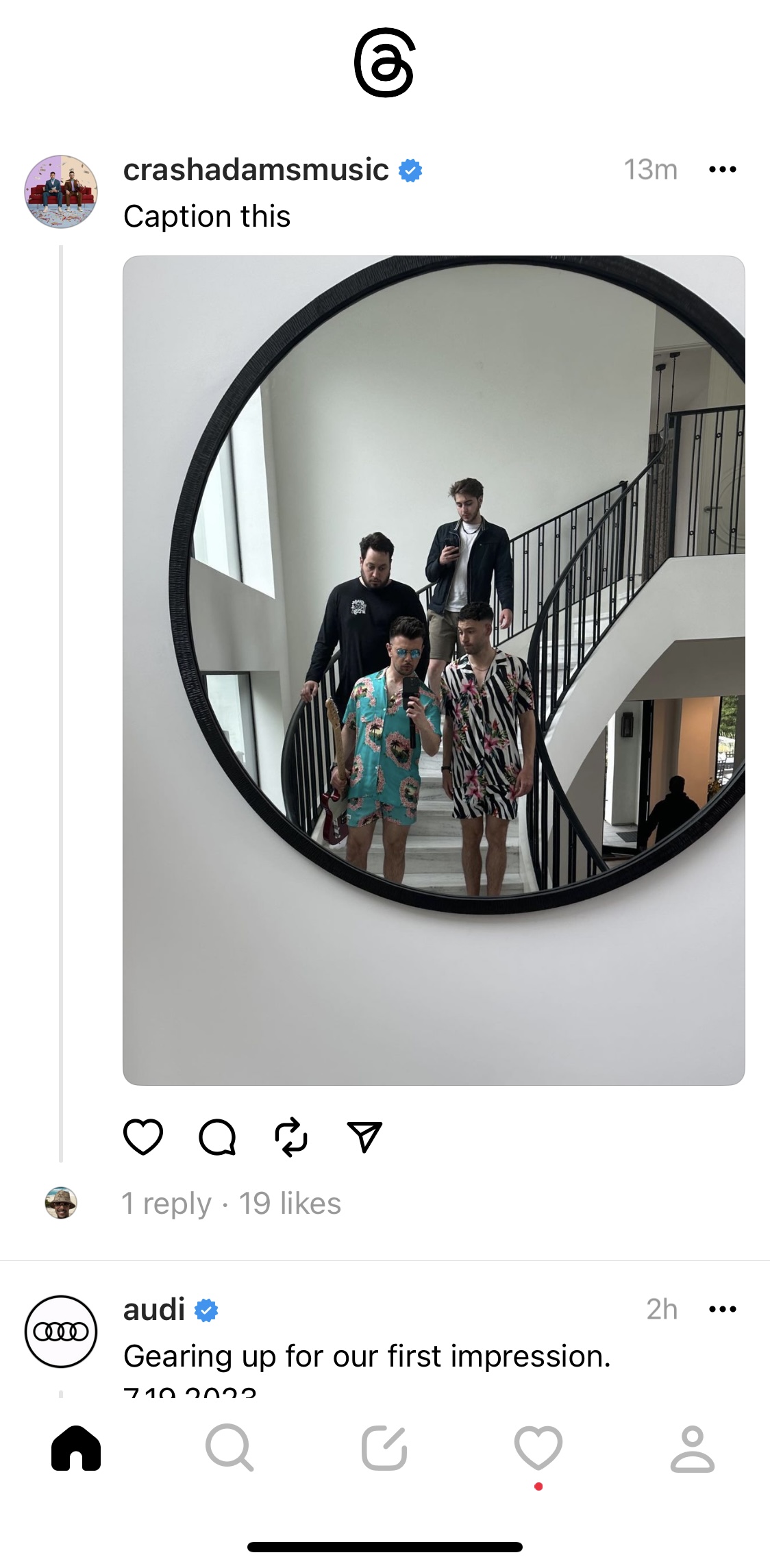
Meta Threads vs Twitter: A Comparison of Pros and Cons

Meta Threads vs Twitter: A Comparison of Pros and Cons

Meta Threads and Twitter are two of the most popular social media platforms for sharing short messages and connecting with others. Both platforms have their own strengths and weaknesses, so it's important to understand the differences before choosing which one is right for you.


**Pros of Meta Threads

  • Focus on positivity: Meta Threads has been designed to be a more positive and supportive platform than Twitter. The app features a number of features that are designed to promote kindness and understanding, such as the ability to report harmful content and the option to hide negative comments.
  • More personal: Meta Threads is designed to be a more personal platform than Twitter. Posts are limited to 500 characters, which encourages users to share more intimate thoughts and feelings. The app also allows users to share up to 10 photos in a single post, which can help to create a more visually appealing and engaging feed.
  • Better integration with Instagram: Meta Threads is closely integrated with Instagram, which means that users can easily share their Threads posts to their Instagram stories. This can help to reach a wider audience and boost engagement.

**Cons of Meta Threads

  • Limited features: Meta Threads is a newer platform than Twitter, so it doesn't have as many features. For example, there is no way to search for specific threads or to see who has viewed your posts.
  • Not as popular: Meta Threads is not as popular as Twitter, so you may have a harder time finding people to follow and interact with.
  • Requires an Instagram account: You need to have an Instagram account in order to use Meta Threads. This can be a barrier for some users, especially those who don't use Instagram.
  • Threads does not have a web interface, thus one has to have the app to use.
  • A link to the app can be found via  threads.net, but another company has rights to threads.com with their own product (a Slack replacement designed for makers), which could prove confusing for some.


**Pros of Twitter

  • More features: Twitter has a wider range of features than Meta Threads, including the ability to search for specific tweets, to see who has viewed your tweets, and to follow hashtags.
  • More popular: Twitter is more popular than Meta Threads, so you're more likely to find people to follow and interact with.
  • More open platform: Twitter is a more open platform than Meta Threads, which means that there are fewer restrictions on what you can say or do. This can be a good thing for users who want to express themselves freely.
  • Whether it will prove to be a pro or con actually remains to be seen, but Twitter has implemented Community Notes for some.

**Cons of Twitter

  • Can be negative: Twitter can be a negative platform, especially when it comes to political and social issues. There is a lot of trolling and abuse on the platform, which can be off-putting for some users.
  • Not as personal: Twitter is not as personal as Meta Threads. Posts are limited to 280 characters, which doesn't leave a lot of room for sharing personal thoughts and feelings.
  • Not as integrated with Instagram: Twitter is not as integrated with Instagram as Meta Threads. This means that you can't easily share your Twitter posts to your Instagram stories.

**Conclusion

Both Meta Threads and Twitter have their own strengths and weaknesses. Ultimately, the best platform for you will depend on your individual needs and preferences. If you're looking for a more positive and personal platform, then Meta Threads may be a good choice for you. If you're looking for a platform with more features and a wider reach, then Twitter may be a better option.

Which platform do you prefer? Why?

Source: Conversation with Bard

#Meta #Threads #Twitter #Instagram